
Why Your Tracking Method Matters
Tracking your spending is one of the most foundational habits in personal finance. Before you can set savings goals, pay down debt, or build an emergency fund, you need a clear picture of where your money actually goes. The tool you use to do that tracking matters - not because one is magic, but because the wrong fit means you'll abandon it within weeks.
Two approaches dominate for beginners: building a spreadsheet (using free tools like Google Sheets or Microsoft Excel) or downloading a dedicated budgeting app. If you haven't set up a budget yet, our step-by-step budget walkthrough is a good place to start before choosing your tool. This article focuses on the trade-offs between both approaches so you can make an informed choice.
| Spreadsheet | Budgeting App | |
|---|---|---|
| Cost | Free (Google Sheets, basic Excel) | Free to paid (some require subscription) |
| Setup effort | Moderate - build your own layout | Low - guided onboarding provided |
| Data entry | Manual - you enter every transaction | Automated - syncs with bank accounts |
| Customization | Very high - fully flexible | Limited to app's built-in options |
| Privacy | Data stays in your personal account | Data shared with app provider |
| Real-time tracking | Only as current as last entry | Live updates after bank sync |
| Best for | Detail-oriented, hands-on users | Busy users who prefer automation |
How Spreadsheets Work for Budgeting
A budgeting spreadsheet is a blank canvas. You create your own income and expense categories, enter transactions manually, and build formulas to calculate totals. Free templates are widely available, or you can start from scratch with a simple table.
Key advantages:
- Full customization: You decide every category, layout, and calculation. If your spending doesn't fit a preset template, you change it.
- No cost: Google Sheets is free with a Google account. Microsoft Excel comes with many student and work plans.
- Privacy: Your data stays on your device or personal cloud account - no third-party app holds your financial records.
- Builds awareness: Manual entry forces you to look at every transaction, which many people find motivating.
Key limitations:
- Requires discipline to enter data consistently - missing a week creates gaps.
- No automatic bank sync means you must pull statements yourself.
- Setting up formulas can feel intimidating if you're not comfortable with basic spreadsheet functions.
Start Simple, Improve Over Time
If you're new to budgeting, resist the urge to build a complex spreadsheet on day one. A single table with three columns - date, description, and amount - is enough to get started. You can add categories, formulas, and summaries once you've built the habit of tracking consistently. The goal in the first month is just to look at your spending, not to have a perfect system.
How Budgeting Apps Work
Budgeting apps are software tools designed specifically for personal finance tracking. Many connect directly to your bank accounts (with your permission) and automatically pull in and categorize your transactions. You review and adjust, rather than entering data from scratch.
Key advantages:
- Automation: Bank syncing saves time and reduces the chance of forgetting to log a purchase.
- Real-time visibility: Dashboards often show live spending against your budget as the month progresses.
- Built-in structure: Most apps come with preset budget categories, which is helpful when you're new and don't know how to organize your spending.
- Alerts and reminders: Many apps can notify you when you're nearing a category limit.
Key limitations:
- Some apps charge a monthly or annual subscription fee.
- Connecting bank accounts involves sharing login credentials or linking through a third-party service - a trade-off worth understanding before you sign up.
- Automatic categorization isn't always accurate; you'll still need to review and correct entries regularly.
If you're thinking about how a budgeting method - not just a tool - fits into this, our overview of popular budgeting approaches can help you think through the bigger picture.
~70%
Americans without a formal budget
Gallup surveys have consistently found that a large majority of U.S. adults do not maintain a household budget, underscoring how common it is to start from zero.
1 in 3
Adults who track spending regularly
Research from the National Foundation for Credit Counseling suggests only about a third of adults actively monitor their monthly spending against a plan.
How to Decide Which One Is Right for You
There is no universally correct answer. The better question is: which tool matches the way you actually behave?
Consider a spreadsheet if you:
- Enjoy a hands-on, detail-oriented approach
- Want to design your own category structure
- Prefer to keep financial data off third-party platforms
- Are comfortable with basic software tools
Consider a budgeting app if you:
- Know you won't remember to enter transactions manually
- Want instant feedback on spending as the month goes on
- Are comfortable with the data-sharing involved in bank syncing
- Prefer guided structure over building your own system
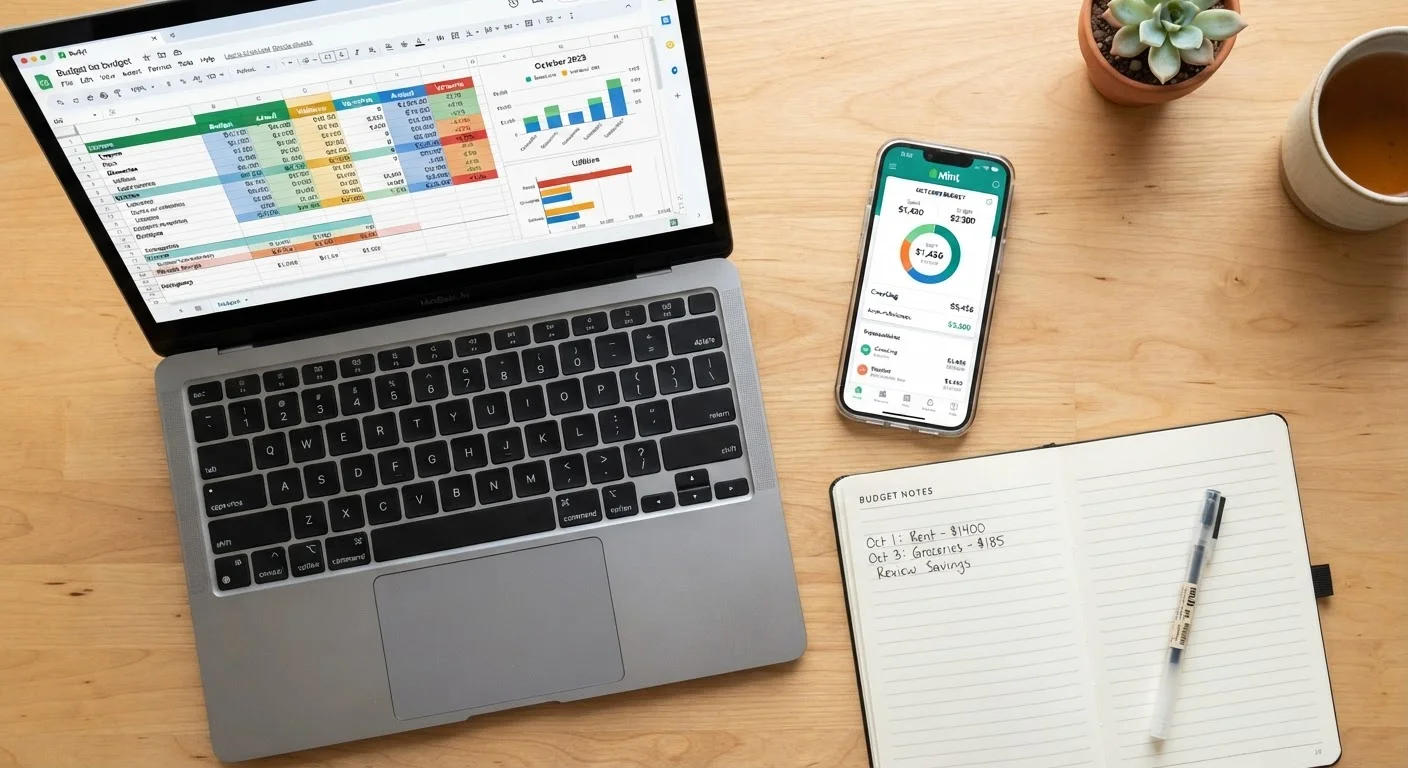
One more option worth noting: some people use both. A simple app for day-to-day transaction logging, and a spreadsheet for monthly review and longer-term planning. There's no rule against combining them.
Once you have a tracking method in place, the next step is understanding what you're tracking - take a look at our guide to distinguishing needs from wants to sharpen how you categorize your spending. And if you're ready to grow what you're saving, our Saving & Banking hub covers the next steps.
This article is for general informational and educational purposes only. It does not constitute personalized financial advice. Consider speaking with a qualified financial professional about decisions specific to your situation.