

The Core Structure of Every Itinerary
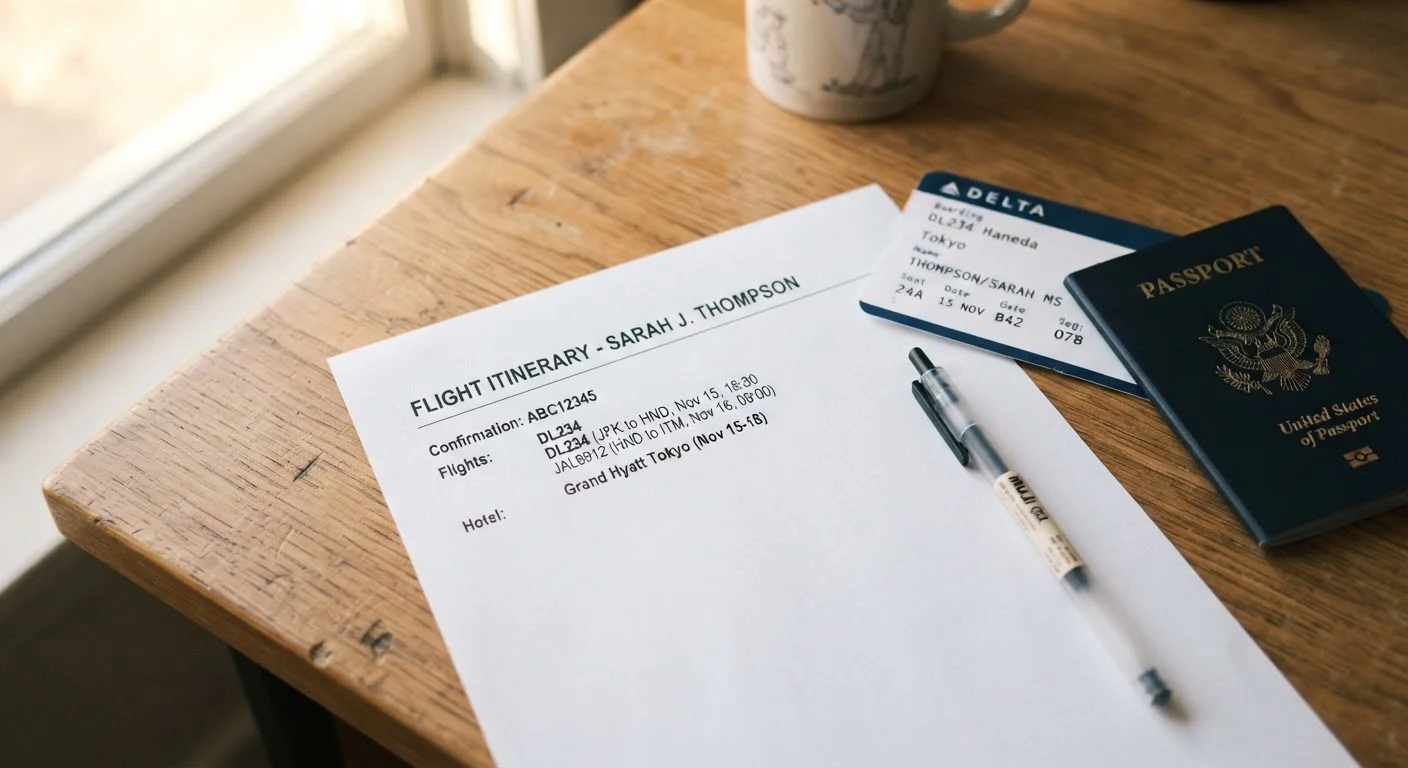
Every flight itinerary — whether emailed as a PDF or displayed in a booking app — follows a consistent structure. At the top, you'll find your booking reference (also called a PNR or confirmation code). This is typically a 6-character code like X4KP2R. Write it down. It's how airlines locate your reservation at check-in, and it's the first thing customer service will ask for if something goes wrong.
Below that, each flight segment is listed in travel order. A segment is a single non-stop flight. A trip from Chicago to Lisbon with a stop in London has two segments. Each segment shows:
- Flight number — e.g., UA 906 (carrier code + number)
- Departure airport and time — always in local time at that airport
- Arrival airport and time — always in local time at the destination
- Terminal and gate (if confirmed at booking)
- Aircraft type — occasionally shown, useful for seat research
At the bottom of each segment or in a summary section, you'll typically see your fare conditions and baggage allowance. These are not decoration — they define what you can and can't do with your ticket. See our guide on how airline baggage rules actually work to decode the baggage section specifically.
Times, Time Zones, and the +1 Notation
One of the most common sources of confusion is departure and arrival time. Every time shown is local to that airport. If your itinerary says you depart New York at 22:00 and arrive in London at 10:30, those clocks are 5 hours apart (during standard time). You have not traveled 12.5 hours — you've traveled roughly 7.
When a flight crosses midnight and arrives the next calendar day, itineraries often show a +1 notation next to the arrival time. This means you land one day after departure. A +2 means two days later — rare, but possible on very long routes with a stopover.
When Arrival Looks Earlier Than Departure
Sometimes arrival time appears earlier than departure time on your itinerary. This happens on short westward flights where local clocks run behind. A flight from New York to Los Angeles departing at 08:00 EST might show an arrival of 10:45 PST — three hours of flying, but only 2 hours and 45 minutes on the clock. The time zone guide walks through several real scenarios so you can mentally check your own itinerary.
Sometimes arrival time appears earlier than departure time. This happens on short westward flights where local clocks run behind. A flight from New York to Los Angeles departing at 08:00 EST might show an arrival of 10:45 PST — three hours of flying, but only 2 hours and 45 minutes on the clock. The time zone guide walks through several real scenarios so you can mentally check your own itinerary.
Fare Class Codes and What They Actually Control
Near your seat assignment or ticket summary, you'll see a single letter labeled class, fare basis, or booking class. This is not your cabin class. Economy is a cabin. K, Q, or Y are fare class codes that tell the airline — and you — what rules apply to your seat.
1 letter
Fare class code that determines your ticket rights
A single booking class letter controls refund eligibility, change fees, and frequent flyer accrual — often overlooked by first-time travelers.
6 characters
Standard length of a booking reference (PNR)
Airlines and travel agents universally use a 6-character alphanumeric code to locate any reservation in their system.
+1 or +2
Day-change notation on overnight or long-haul flights
This notation on an itinerary indicates the number of calendar days after departure on which you arrive — not additional flight hours.
Common patterns to know:
- Y — typically a full-fare economy ticket, often refundable and changeable
- Q, K, M — mid-range economy fares with change fees and partial restrictions
- V, G, N — lower-cost economy fares, usually non-refundable with high change fees
- J, C, D — business class fare levels
The specific rules for your fare class are listed in the ticket conditions section of your itinerary — look for language about changes, cancellations, and refunds. If you booked through a third-party site, those conditions may also be subject to the platform's own policies. Check both before assuming you can change your flight for free. For a broader view of hidden ticket conditions, this guide on low-cost airline costs covers the most common traps.
Codeshares, Terminal Codes, and Connection Time
Two details that frequently cause problems at airports: codeshare flights and terminal assignments.
A codeshare appears when the flight number on your itinerary belongs to one airline but the aircraft is operated by another. Your itinerary will usually note this as "Operated by ." This matters for check-in — you go to the operating carrier's counter, not the marketing carrier's. Baggage rules also follow the operating airline.
Terminal codes are equally critical. Some major airports have multiple terminals that are not connected internally — or require a bus or train between them. If your itinerary shows two flights departing from the same city but different terminal codes, treat them as separate physical locations. The airport codes and terminal splits guide explains this in full detail and is worth reading before any multi-leg trip.
On connection time: your itinerary will show the gap between arrival and next departure. If that gap is tight — under 75 minutes domestically or under 2 hours internationally — research the specific airport layout before you travel. Delays on the first flight compound quickly. If you're unsure about what to do when you land in an unfamiliar city, the city arrivals guide covers first steps at each type of arrival point.
Screenshot Your Itinerary Before You Travel
Save a screenshot or PDF of your full itinerary to your phone's photo library — not just your email. Airport Wi-Fi can be unreliable, and email apps sometimes fail to load attachments at critical moments. Having the document accessible offline means you can confirm terminal codes, connection times, and your booking reference without needing a signal.