
What Automated Savings Actually Means
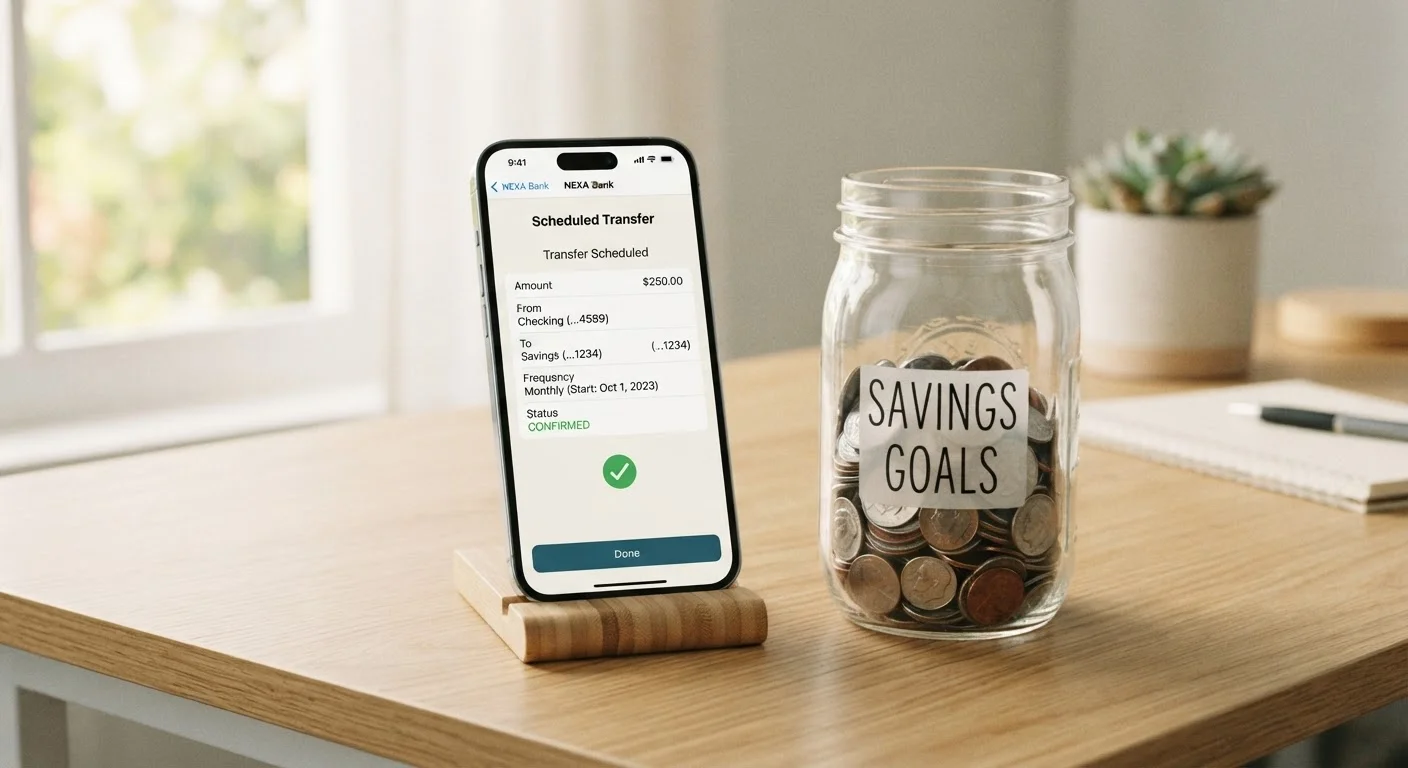
Automating your savings means setting up a scheduled, recurring transfer that moves a fixed amount of money from your checking account to your savings account — automatically, on a date you choose, without any action required on your part.
Think of it like a subscription, but one that works in your favor. Instead of remembering to move money yourself, the bank does it for you. Most banks and credit unions let you configure this in a few minutes through their website or mobile app at no cost.
If you're new to savings accounts, our guide to how savings accounts work walks through the basics before you get started. It also helps to understand the difference between account types — checking vs. savings accounts serve very different purposes, and knowing that distinction makes automation easier to set up correctly.
This Is General Information, Not Financial Advice
This article explains how savings automation works as a general strategy. Everyone's financial situation is different. For guidance specific to your circumstances, consider speaking with a licensed financial professional.
Why Automation Works Better Than Willpower
Saving manually requires you to make the same decision, repeatedly, in the right direction, under varying circumstances. Some weeks that's easy. Other weeks, after an unexpected expense or a tempting purchase, it isn't.
Automation sidesteps that problem entirely. The transfer happens whether or not you think about it. This concept — often called paying yourself first — ensures saving happens before spending, not after. It shifts saving from a goal that competes with your spending to a fixed commitment that happens automatically.
“The secret to getting ahead is getting started. Automation removes the friction that stops most people from ever beginning.”
— Jean Chatzky, Personal finance author and financial educator
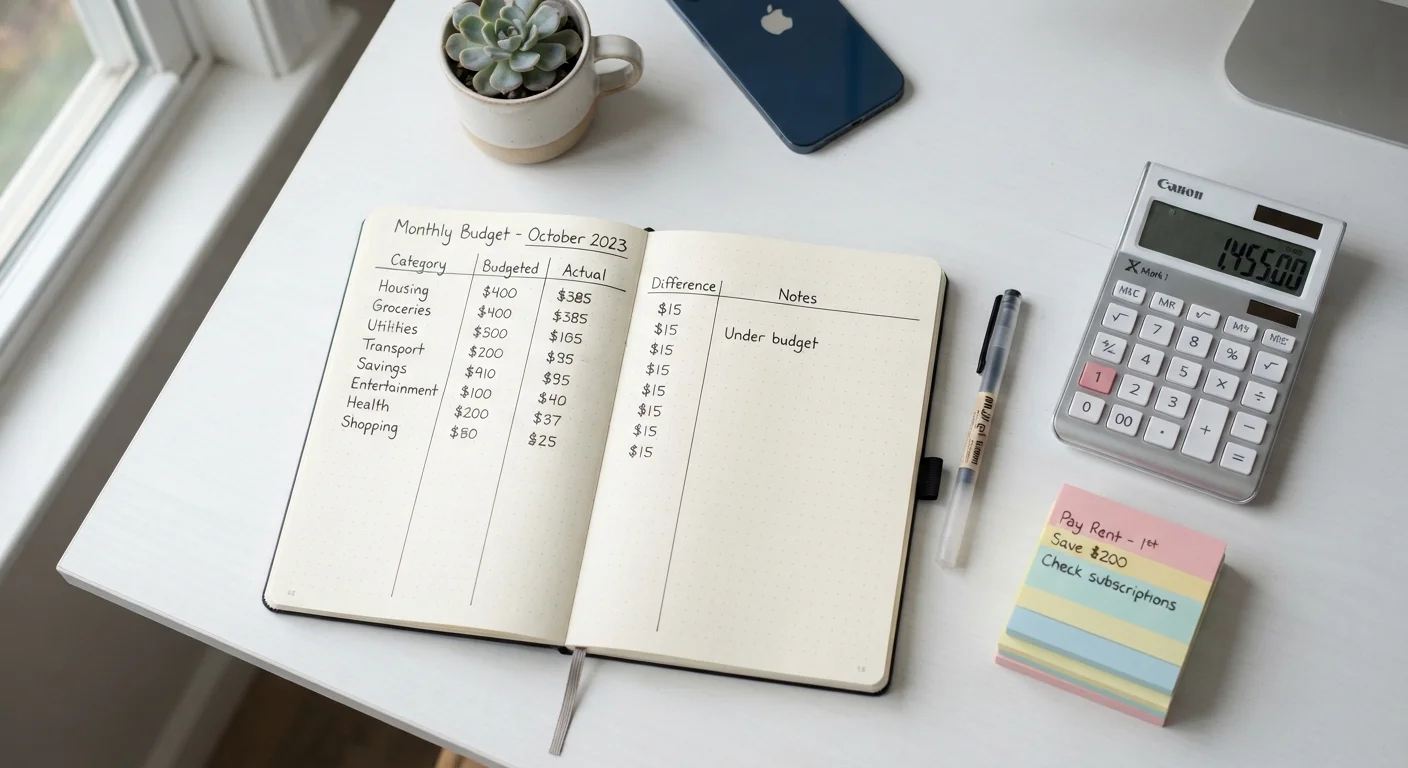
This approach fits naturally into broader budgeting habits. If you're building financial systems from scratch, the Budgeting Basics hub covers how to track your income and spending alongside your savings routine.
Best Practices for Setting Up Automation
Automation works best when it's thoughtfully configured — not just turned on and forgotten. These practices help you get the most out of a recurring transfer system.
Align your transfer date with your payday.
Scheduling your automatic transfer for the same day you receive your paycheck — or the day after — means savings leave your account before you budget for discretionary spending. This 'pay yourself first' approach treats saving as a non-negotiable expense rather than an afterthought.
Start with a small, comfortable amount and increase it gradually.
Setting an amount you can sustain without stress prevents you from canceling the automation when budgets feel tight. Incremental increases over time build savings without requiring a dramatic lifestyle change.
Use a separate, dedicated savings account for each goal.
Keeping savings in a separate account from your checking balance reduces the temptation to dip into it. Named accounts — like 'Emergency Fund' or 'New Laptop' — also create a psychological sense of purpose that reinforces the habit.
Review and adjust your automation every few months.
Your income, expenses, and goals change over time. A transfer amount that felt right six months ago may be too low after a raise, or temporarily too high during a difficult month. Regular check-ins keep automation working in your favor.
Keep a small buffer in your checking account to avoid overdrafts.
Automated transfers pull funds on a fixed schedule regardless of your balance. If your checking account runs low before payday, an automatic transfer can trigger an overdraft fee that erases your progress.
Start Today: Quick Actions to Get Moving
You don't need a perfect plan to begin. Getting any amount of money moving automatically is more valuable than waiting until everything feels ideal. Here are three things you can do right now.
For a comprehensive look at how savings automation fits into your overall financial foundation, see the complete overview of banking and savings — it covers account types, interest, fees, and building habits in one place.
Round-Up Features Can Help, Too
Some banks offer a 'round-up' feature that automatically rounds each debit card purchase to the nearest dollar and transfers the difference to savings. While the amounts per transaction are small, they can add meaningful contributions over a month without requiring any manual effort.
This article is for general informational and educational purposes only. It does not constitute personalized financial advice. Consult a licensed financial professional for guidance specific to your situation.